 -50%
aliexpress
-50%
aliexpress
Monitor light bar that lights the desk without hitting the screen: what the M2 and M2Plus versions change, and the bezel they clamp onto
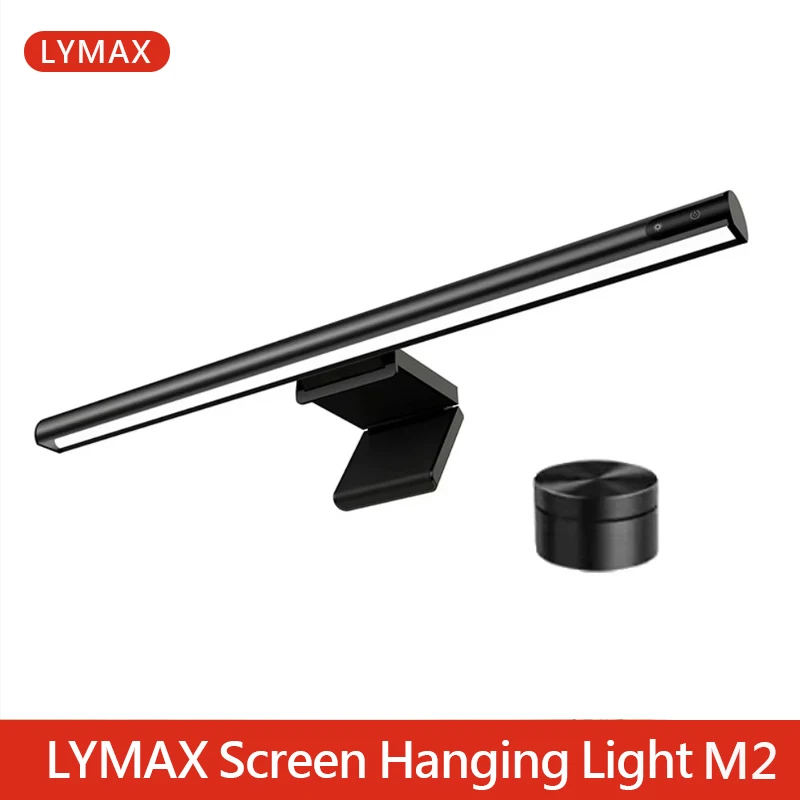
Images and product details come from third-party platforms and belong to their respective owners. They are shown for reference only.
aliexpress
USD 40.05
USD 80.09
Save USD 40.04 (49%)
Affiliate link — we may earn a commission at no extra cost to you.
About this product
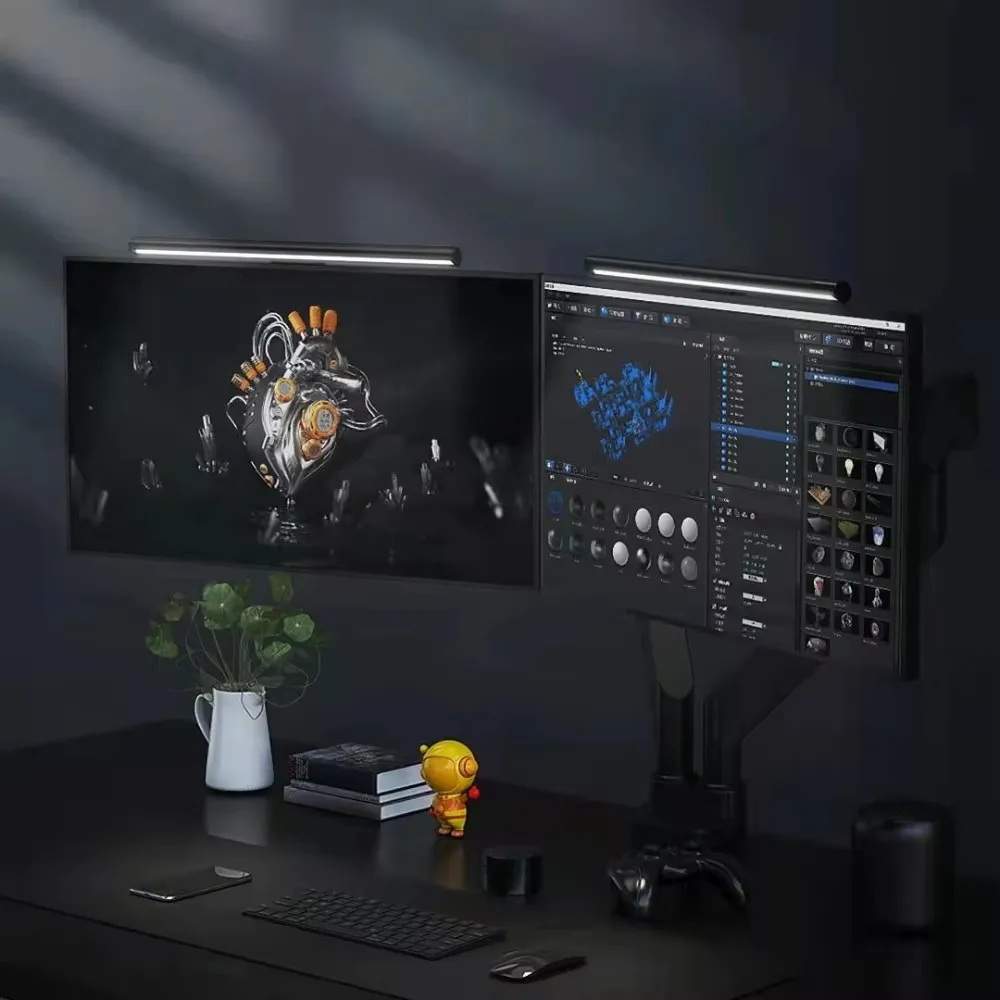
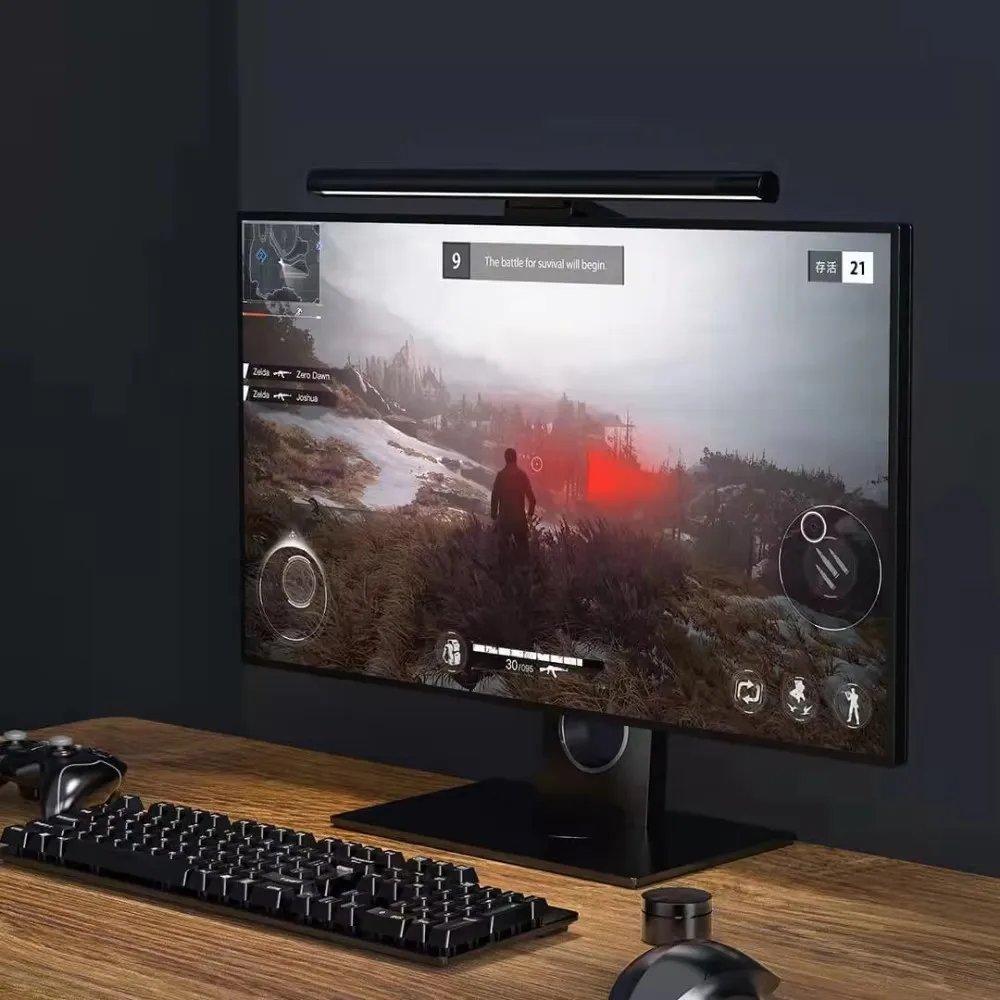
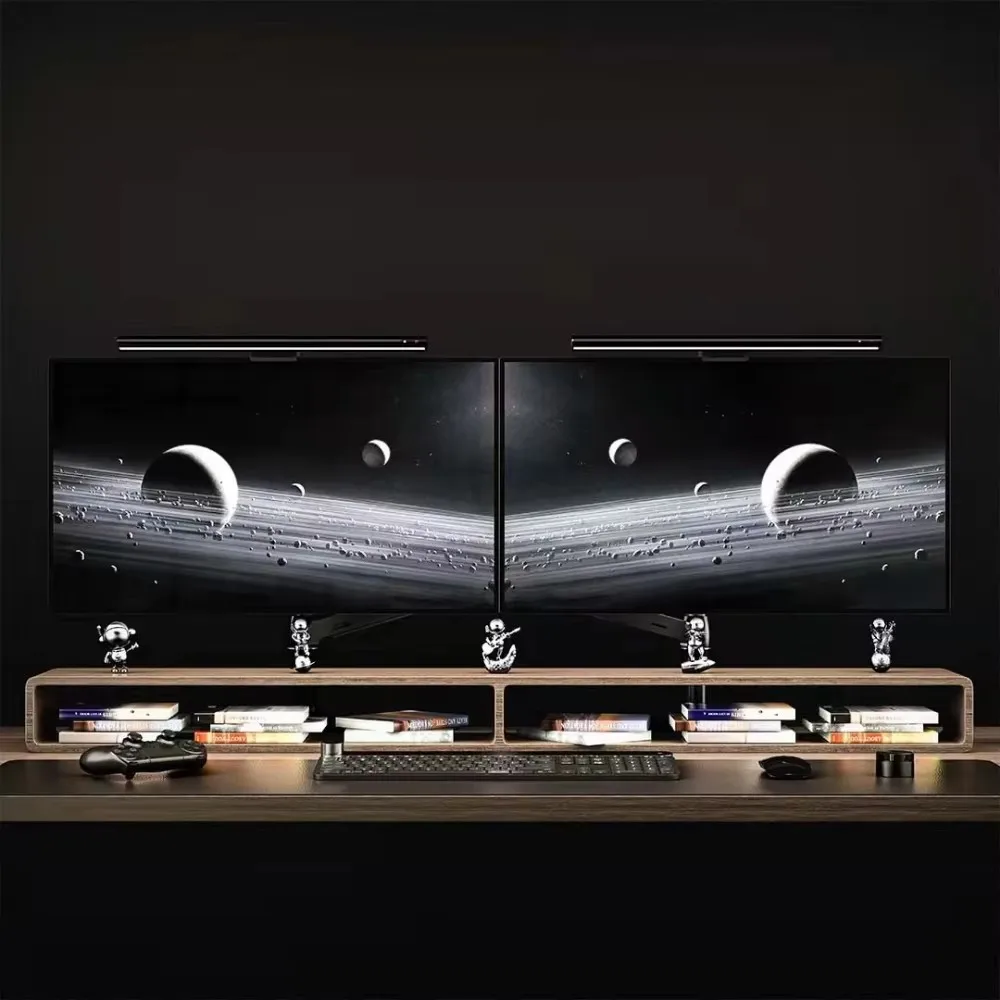
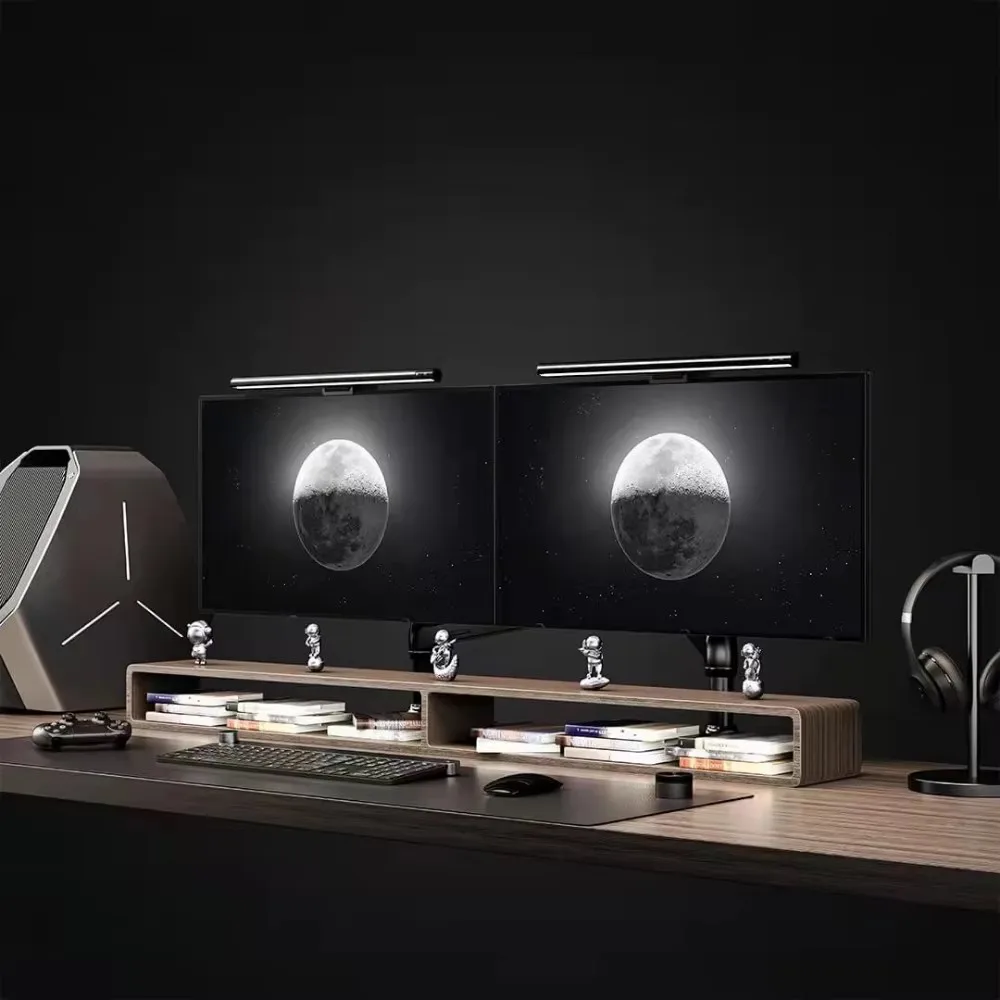
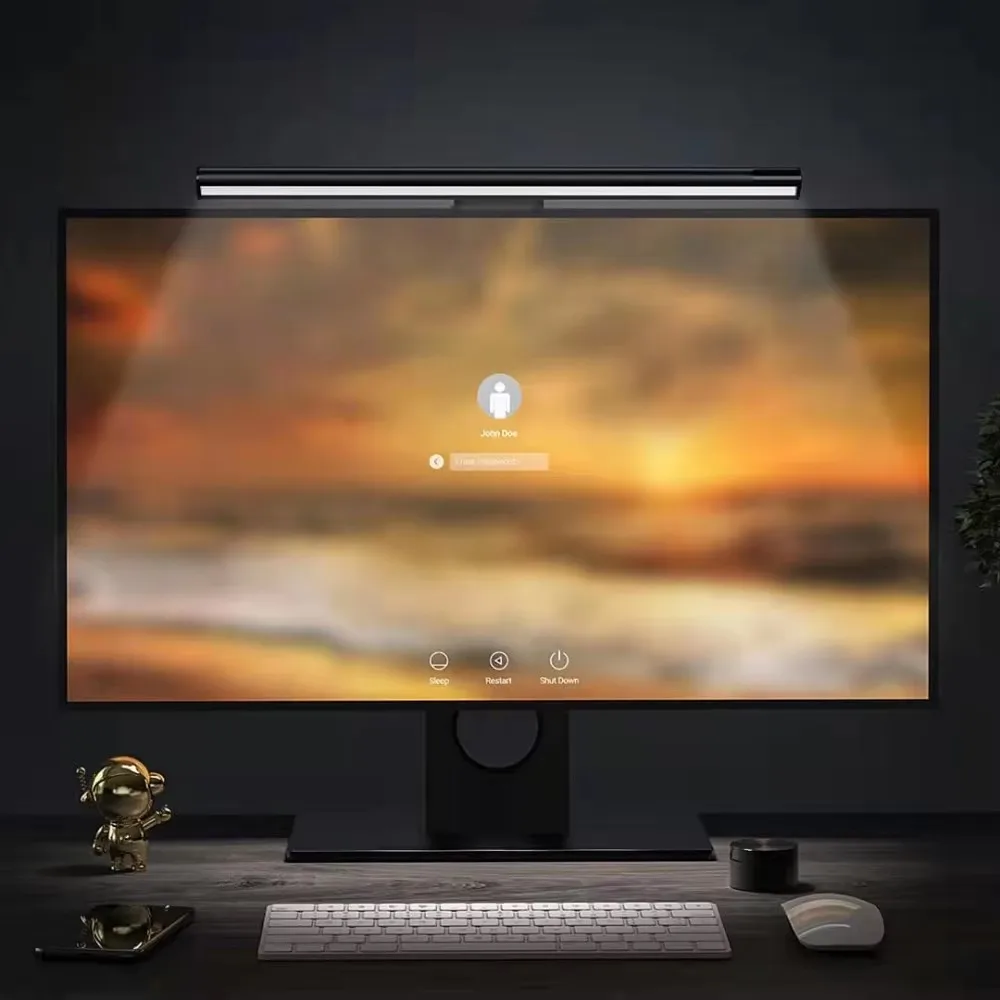
A monitor light bar solves a very specific problem: a desk lamp puts light on the screen as well as on the desk, and it is that reflection which makes your eyes tired by the end of the evening. This bar hangs over the top edge of the monitor and throws light down onto the keyboard, the notebook and the paper, so the screen itself stays unlit. Two things decide whether it works in your setup. The first is the monitor it clamps to, because the bracket grips the top bezel: a very thin panel, or one with a strongly curved back, can be a poor fit, and an ultra-wide screen may want a longer bar than a 24-inch display. The second is the version, since the M2 and the M2Plus are sold side by side, and the difference lies in what you can adjust and how. The wireless remote is the part that lets you change brightness and colour temperature without reaching up to the bar, and the Plus usually means there is more adjustment to work with. Power comes over USB, so a spare port on the monitor or a powered hub is enough, and the colour temperature setting is what decides whether the desk reads neutral for paperwork or warm for a late evening.
Product images
Pros & cons
Pros
- Lights the keyboard and papers from above, so there is no reflection left on the screen
- Wireless remote changes brightness and colour temperature without reaching for the bar
- Runs from USB, so the monitor's own spare port or a powered hub is enough
- Frees the desk surface, since the lamp no longer takes up room next to the keyboard
Cons
- The bracket grips the top bezel, so a very thin panel or a strongly curved back may not sit well
- M2 and M2Plus differ in what can be adjusted, so the cheaper one may not cover every setting you want
- An ultra-wide monitor usually needs a longer bar than the version sold for a 24-inch screen
- It needs a USB port to stay on, and the light comes from above, so it will not light the inside of a deep shelf

Alternatives to consider
Not quite right? These similar products might be a better fit.
-50%
aliexpress
 -66%
aliexpress
-66%
aliexpress