Server Frozen and You're Miles Away? NanoKVM Streams HDMI and Mouse Control Over IP — What a Remote KVM Does for Headless Machines

Images and product details come from third-party platforms and belong to their respective owners. They are shown for reference only.
Affiliate link — we may earn a commission at no extra cost to you.
About this product
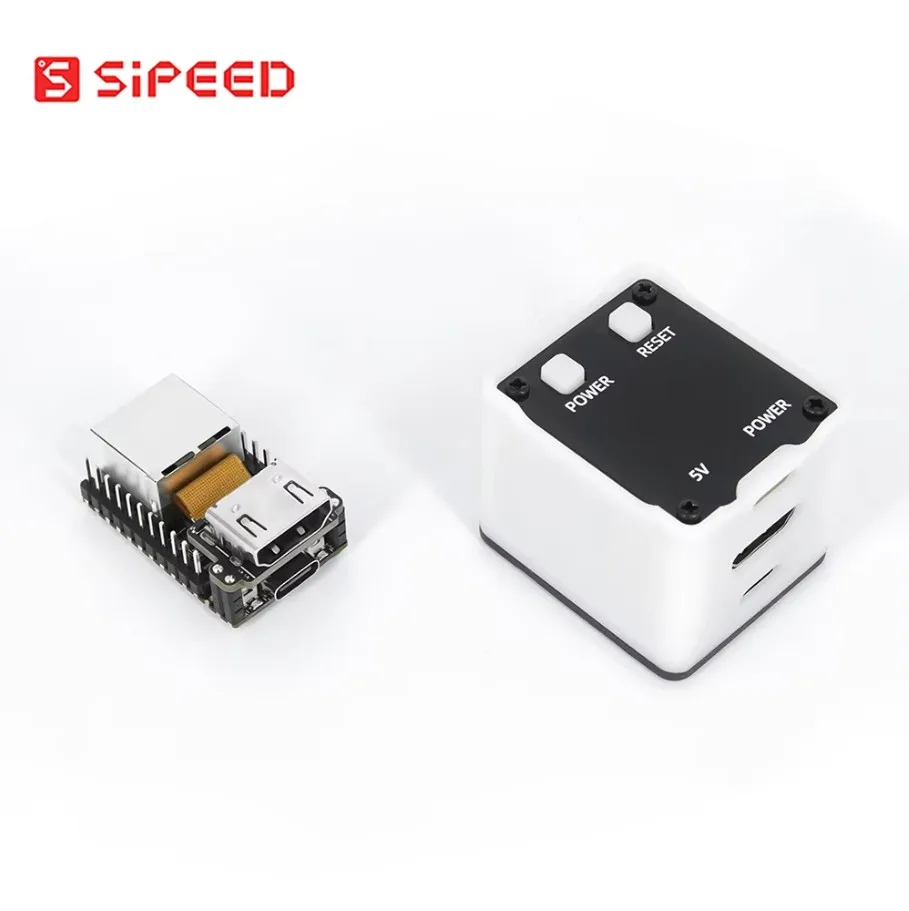
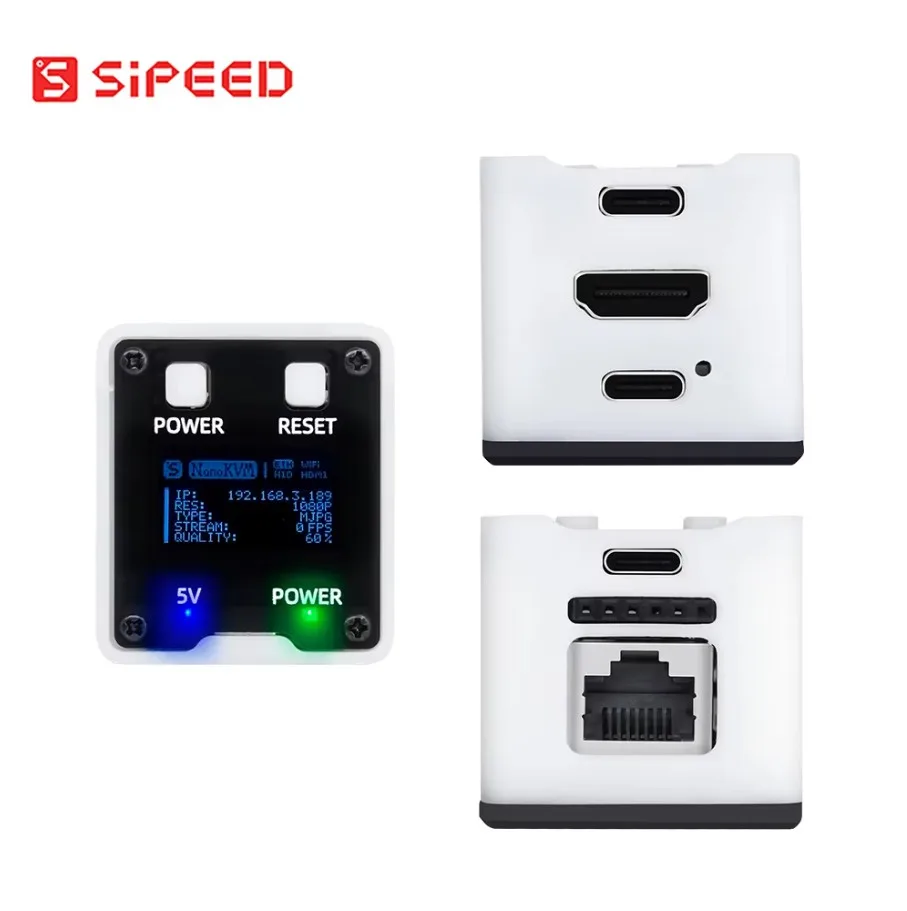
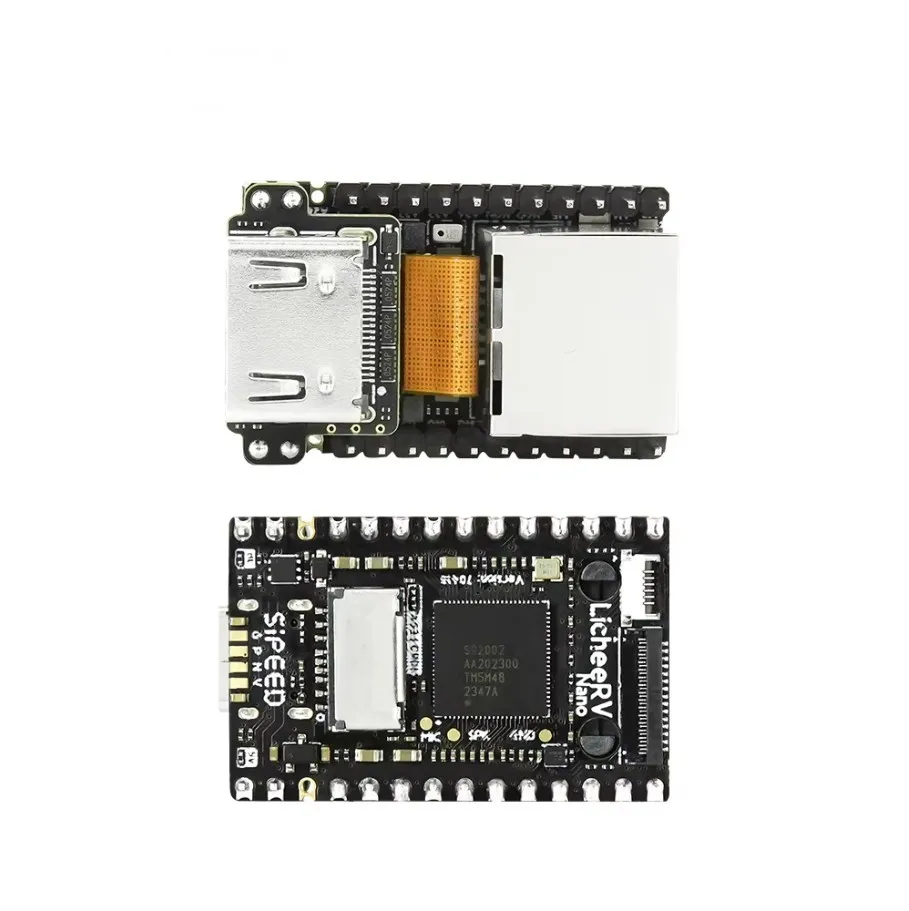
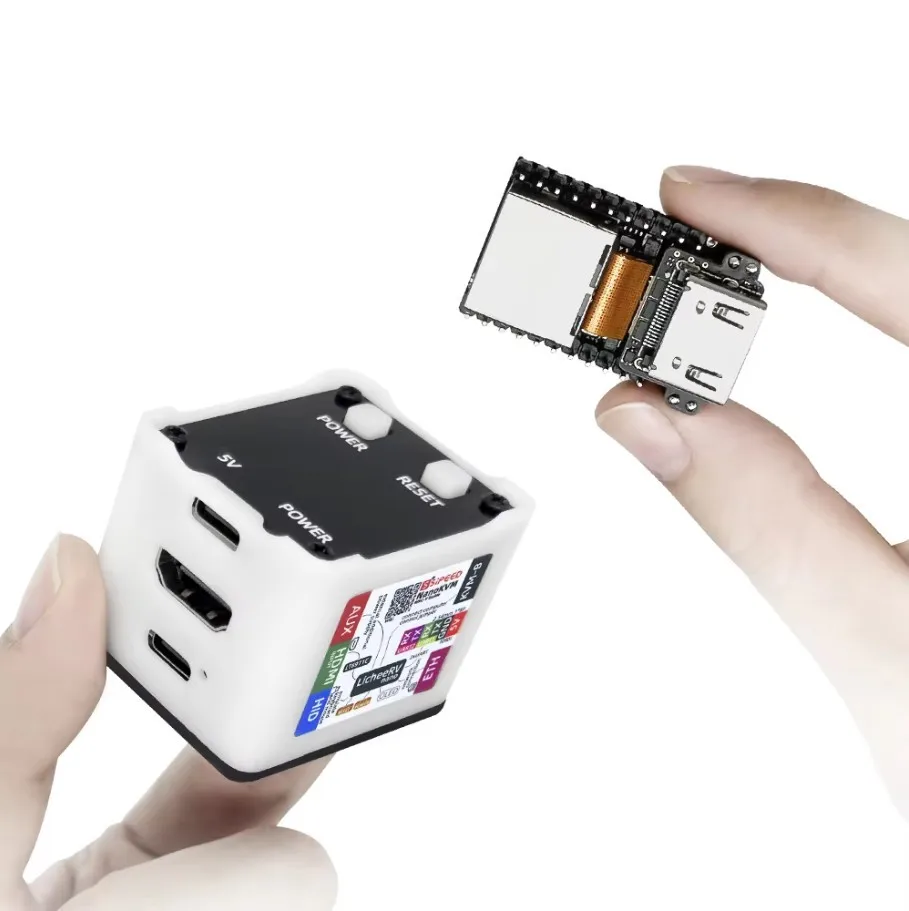
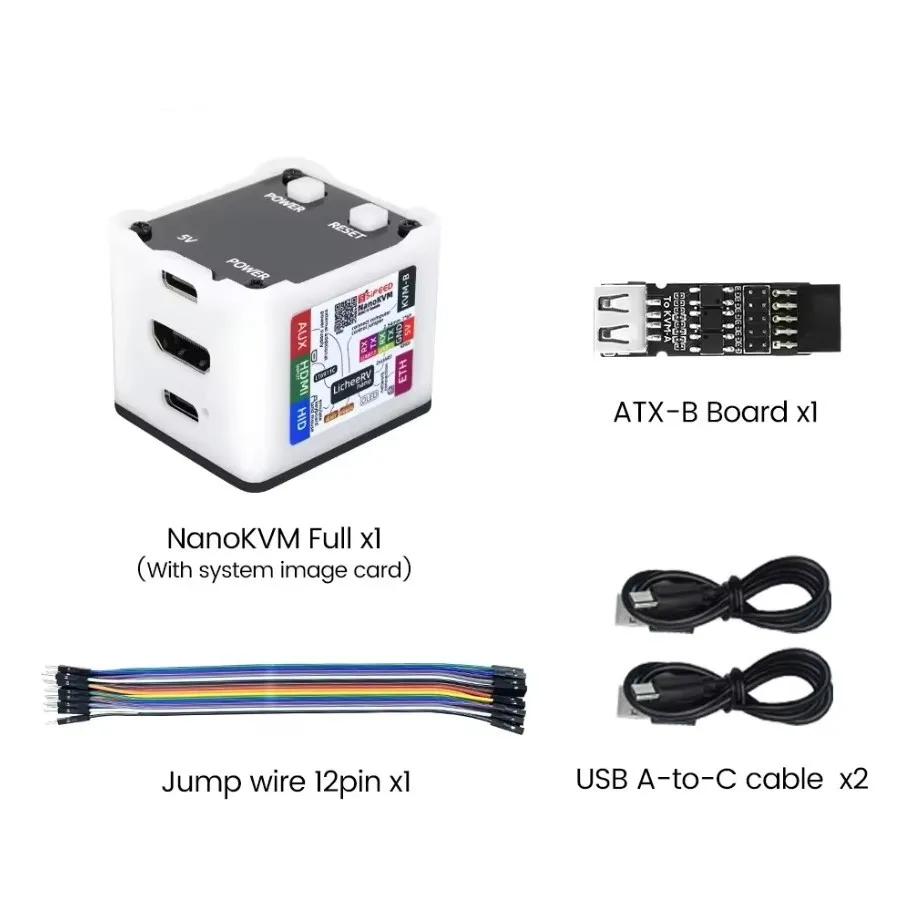
This answers the worst remote-work moment: a headless server hangs, there is no monitor in the closet, remote desktop is dead along with the OS, and the only fix is a drive to the rack. The Sipeed NanoKVM belongs to the PiKVM family — a small board built around HDMI capture and network control, Raspberry Pi based per the listing — and what it buys you is access that survives a crashed system: you open a browser from anywhere, see the machine's HDMI output as the BIOS or a frozen boot does, and move its mouse and keyboard as if you were standing there. That is the essential difference from remote desktop: a KVM over IP works one level below the operating system, which is exactly when you need it. How to put it to work: connect the target's HDMI and a USB control cable to the KVM, put the KVM on your network, open its web interface from your laptop, and the distant machine appears on screen; for power switching, that typically means the ATX reset/power lines, and the listing does not state whether the required adapter or cable set is included — confirm before ordering. As a DIY piece it sits in the Raspberry Pi ecosystem, so expect community tooling and firmware updates rather than a closed box. Three things worth asking the seller: whether the ATX power-control accessory is included or sold separately; what exactly ships in the kit (cables, power supply, case); and which network setup it expects — LAN only, or reachable over the internet with your own arrangement. Set up once, and the drive to the rack becomes the exception, not the routine. 650 sold with a 98.0% positive rating.
Product images
Pros & cons
Pros
- Browser-level control that survives a crashed OS — works where remote desktop cannot
- PiKVM family, Raspberry Pi based per the listing — DIY-friendly ecosystem
- HDMI capture plus mouse/keyboard control in one small board
- 650 sold with a 98.0% positive rating
Cons
- Power switching normally needs the ATX reset/power lines — the listing does not state whether the adapter is included, ask before ordering
- Kit contents (cables, power supply, case) are not itemized — confirm what ships
- Reaching it over the internet is your own network setup (port forwarding/VPN) — the listing describes LAN use only
- Which Raspberry Pi board or kit variant ships at this price is not stated — confirm before checkout